Upload 20 Photos to WordPress in One Tap
Scan a QR code. Select up to 20 photos. Upload in seconds. No browser needed.
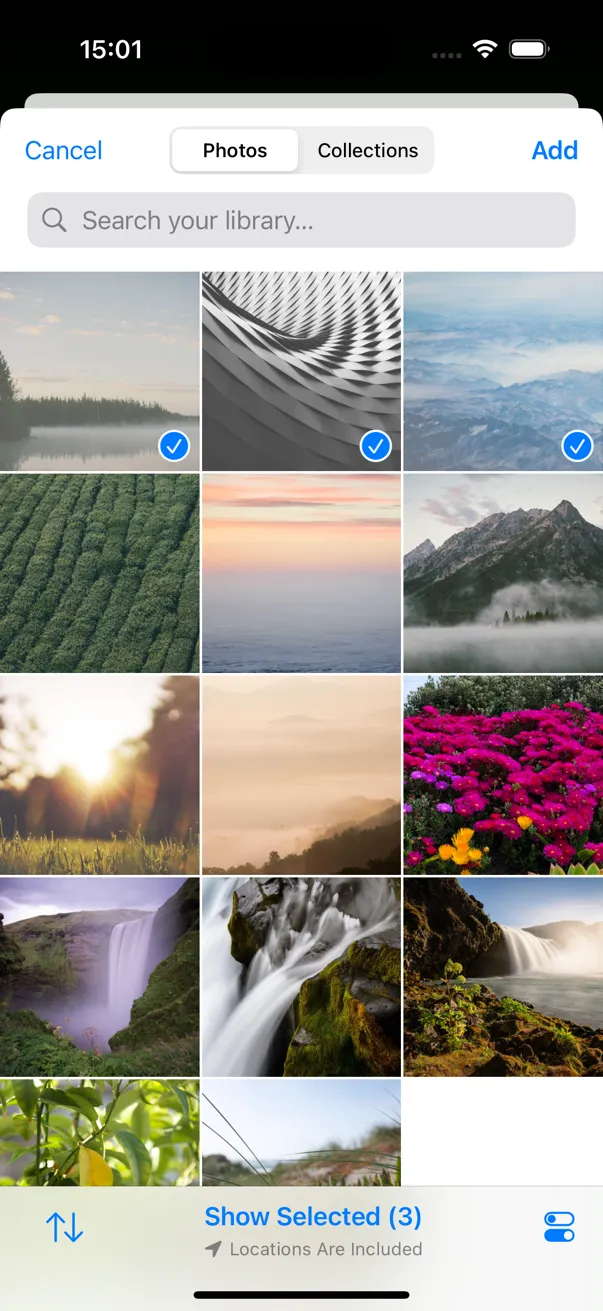
Register
Select
Upload
Register → Select → Upload. That's it.
Before & After SnapPress
Without SnapPress
- 1 Open Safari on phone
- 2 Log into WordPress admin
- 3 Navigate to Media Library
- 4 Tap "Add New"
- 5 Select ONE photo
- 6 Wait for upload
- 7 Repeat 19 more times
~15 minutes for 20 photos
With SnapPress
- 1 Open SnapPress
- 2 Select 20 photos
- 3 Tap Upload
~30 seconds for 20 photos
Features That Simplify WordPress Photo Uploads
Batch Upload
Upload up to 20 photos at once. Auto image quality adjustment saves bandwidth.
QR Code Registration
Generate a QR code with the SnapPress Connect WordPress plugin. Just scan to register your site.
Multi-Site Support
Register and manage multiple WordPress sites. Switch between sites for uploading.
Share & Action Extension
Upload to WordPress directly from the iOS share sheet, no need to open SnapPress first. SnapPress appears in both the app icon row (Action Extension) and the activities list (Share Extension), so you can share photos to WordPress in seconds from any app.
Upload to WordPress in 3 Easy Steps
Register Your Site
Install the SnapPress Connect plugin on WordPress and scan the QR code to register your site.
Download Plugin (.zip)- 1 Download the plugin .zip file
- 2 Go to WordPress Admin → Plugins → Add New → Upload Plugin
- 3 Choose the .zip file and click "Install Now"
- 4 Click "Activate Plugin"
- 5 Go to SnapPress Connect in your admin menu and scan the QR code with the app
Also available on the WordPress Plugin Directory (approval pending)
Detailed setup guideSelect Photos
Choose up to 20 photos from your camera roll. Pick from 3 image quality levels.
Upload
One tap to batch upload to your WordPress media library. Track progress in real time.
Screenshots
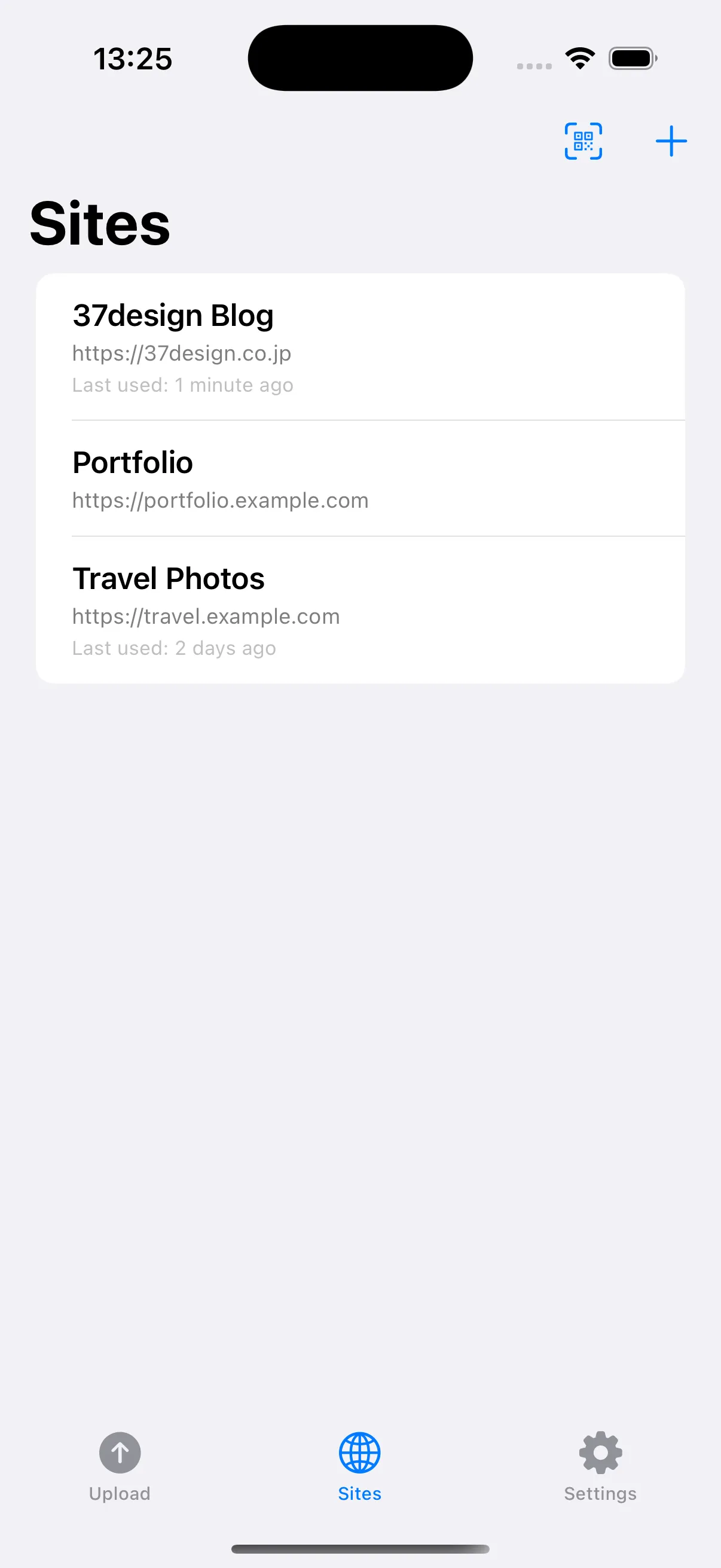
Sites
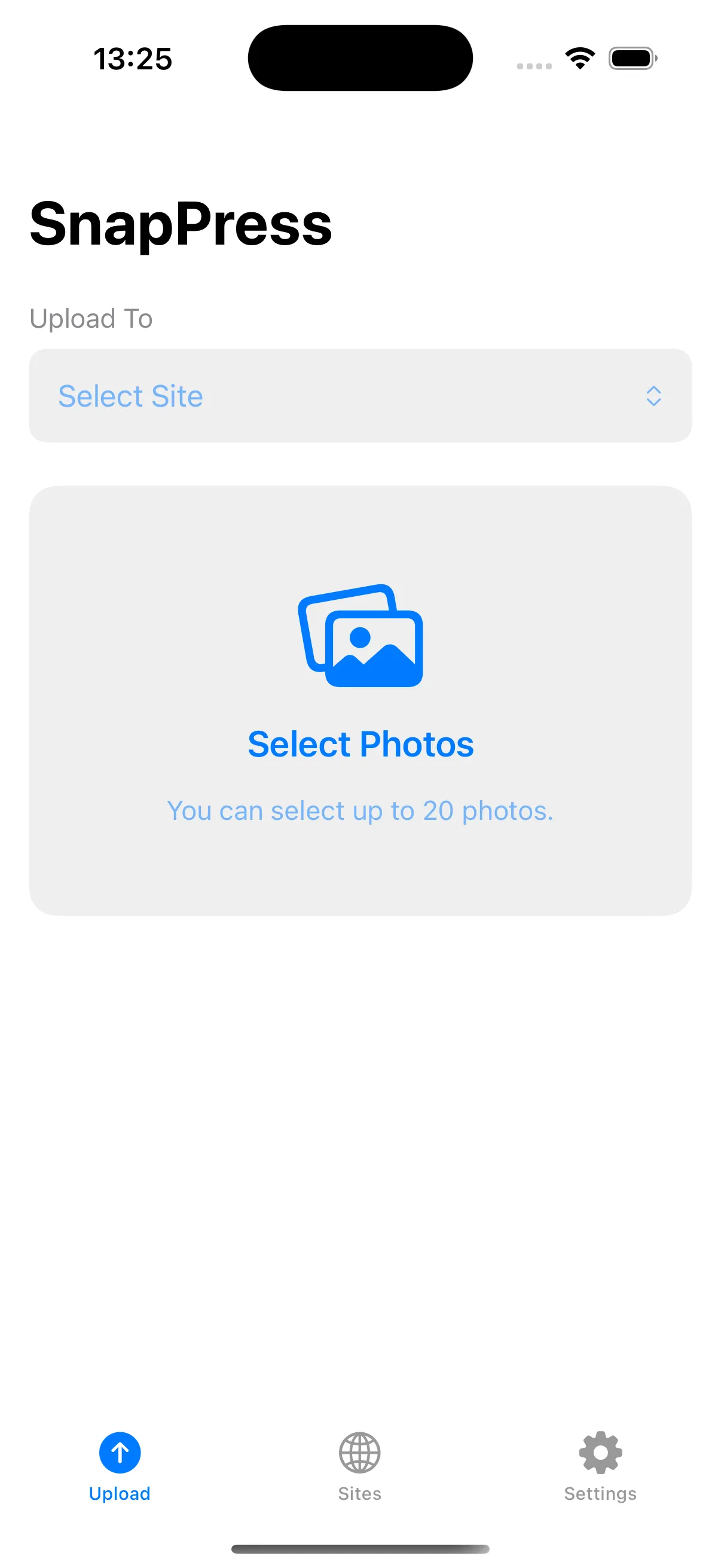
Upload
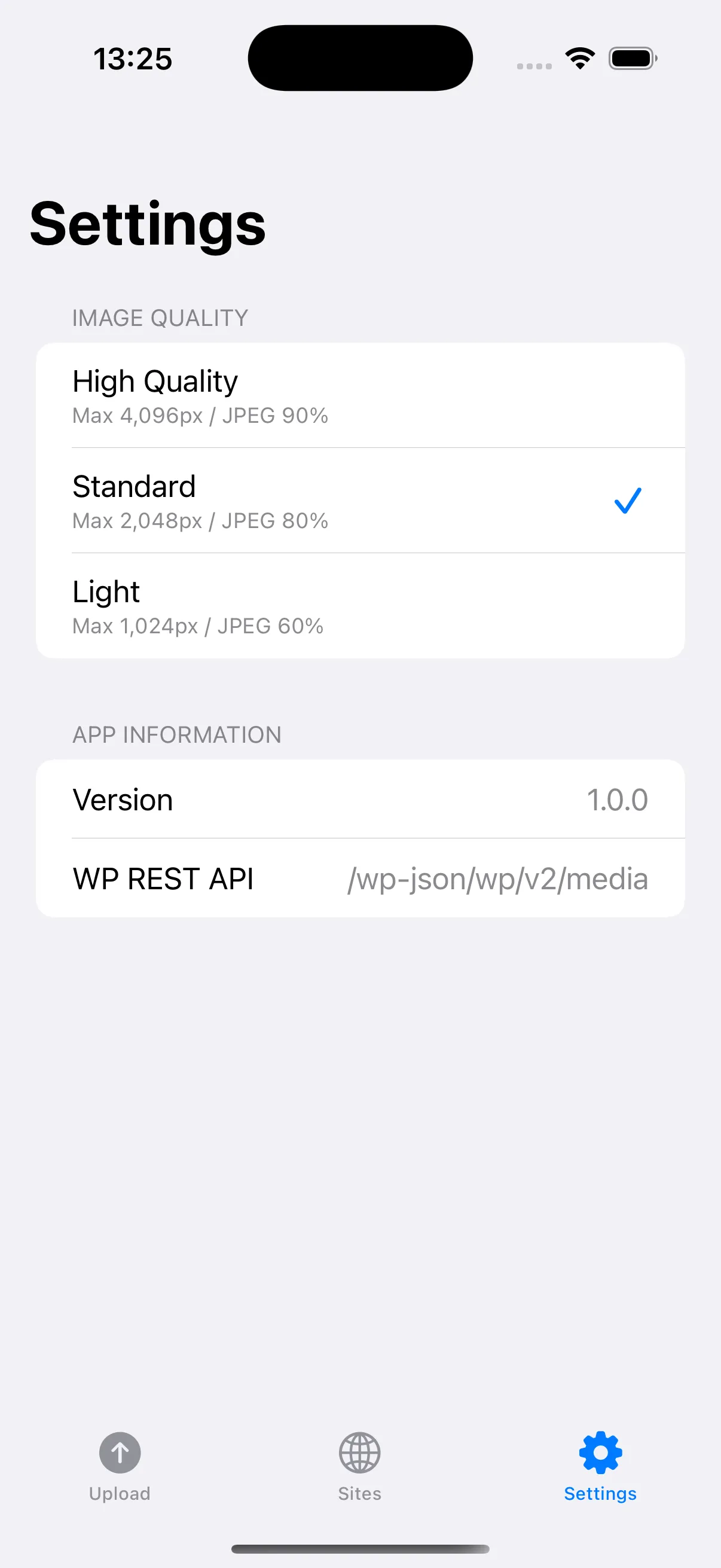
Settings
What Users Are Saying
Uploading photos to WordPress has become incredibly easy. Being able to upload 20 at once is a lifesaver.
Photo Blogger
The QR code registration and batch upload flow is perfect for delivering assets to client sites.
Freelance Web Developer
The Share Extension is so convenient. I can upload directly from the Photos app without even opening SnapPress.
Travel Blogger
Simple Pricing
$2.99
Less than a coffee. Use it forever.
What's Included
- Batch upload (up to 20 photos)
- QR code site registration
- Multi-site support
- Share & Action Extension
- Auto image quality adjustment
- All future updates included
No subscription. No hidden fees. No account required. Other tools charge $5–10/month. SnapPress is yours for $2.99, forever.
FAQ
SnapPress is designed for self-hosted WordPress (WordPress.org) sites. It also works with WordPress.com Business plan or higher, which supports the REST API.
It's an authentication feature available since WordPress 5.6. It lets you create app-specific passwords separate from your main login. The SnapPress Connect plugin can auto-generate one for you.
Photos are uploaded directly to your WordPress server. They never pass through SnapPress servers.
Per App Store policy, you can request a refund from Apple within 14 days of purchase.
Yes! SnapPress uploads photos to your WordPress Media Library, which WooCommerce uses for product images. Upload product photos from your phone and assign them in WooCommerce.
You choose from 3 quality levels before uploading. "Original" keeps full resolution, while "Medium" and "Small" optimize for web use and save bandwidth.
SnapPress uploads to your Media Library. From there, you can insert photos into any post or page using the WordPress editor.
SnapPress uses WordPress Application Passwords (available since WP 5.6) for secure authentication. Your login credentials are never stored — only a revocable app-specific token.
Yes. Since photos go to the Media Library, they're accessible from any page builder — Elementor, Gutenberg, Divi, and more.
Each team member installs SnapPress on their device and scans the QR code to register. Each gets their own Application Password for secure, individual access.
Ready to simplify your uploads?
Stop wasting time uploading photos one by one. Get SnapPress and batch upload in seconds.
14-day refund guarantee via Apple. Try it risk-free.